
Add & Edit Your Restaurant Profile Details
After registering, you will be able to complete your restaurant profile.
Your profile introduces your restaurant to customers and appears on the Let’sChow platform.
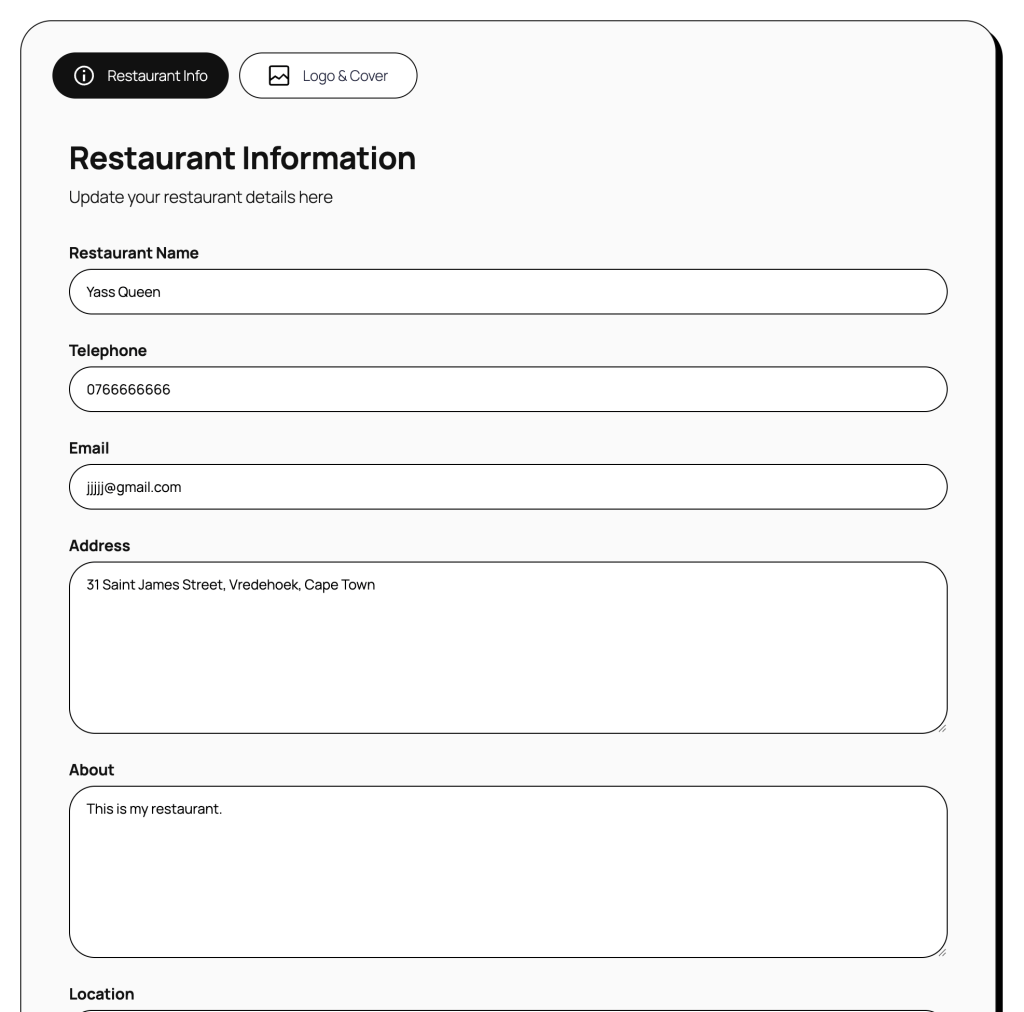
- Go to My Restaurant page and start filling in and adding your details.
- Under the Restaurants Info tab you will need to add the following:
- Restaurant name – Your restaurant name
- Telephone – Your business number where customers can contact you
- Email – Your business email where customers can contact you
- Address – Your business address where customers can find you
- About – A little bit of information what your restaurant is all about. Make sure your about clearly explains what makes your restaurant special.
- Location – Select a province where your restaurant is located.